 Dolmen
Readiness says Not yet
Dolmen needs a few nights of sleep and heart data in Apple Health before it can show readiness.
Steps
-
Wear your Apple Watch to sleep, with Sleep turned on in the Health app.
-
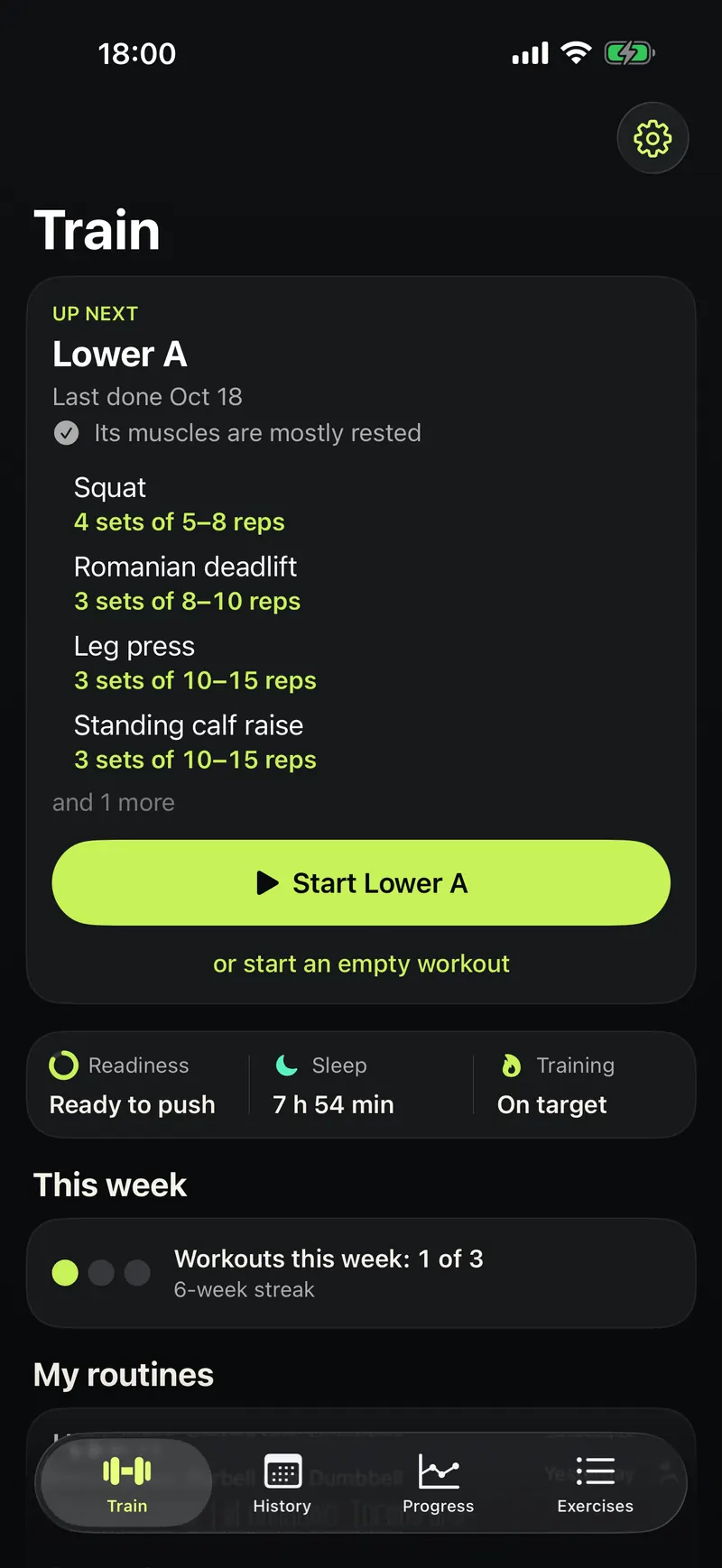
In Dolmen, tap the gear at the top right of the Train tab, open Integrations and allow Apple Health.
-
Wait a few nights. Readiness compares you with your own past four weeks, so it gets better with time.
Good to know
- No watch? Anything that writes sleep and heart data to Apple Health works, like Oura or Garmin, or connect WHOOP.
- Readiness is a training cue, not a health measurement.