 Dolmen
Readiness, sleep and training load
Dolmen reads last night's sleep, heart rate variability and resting heart rate from Apple Health and sums up today in a word.
Steps
-
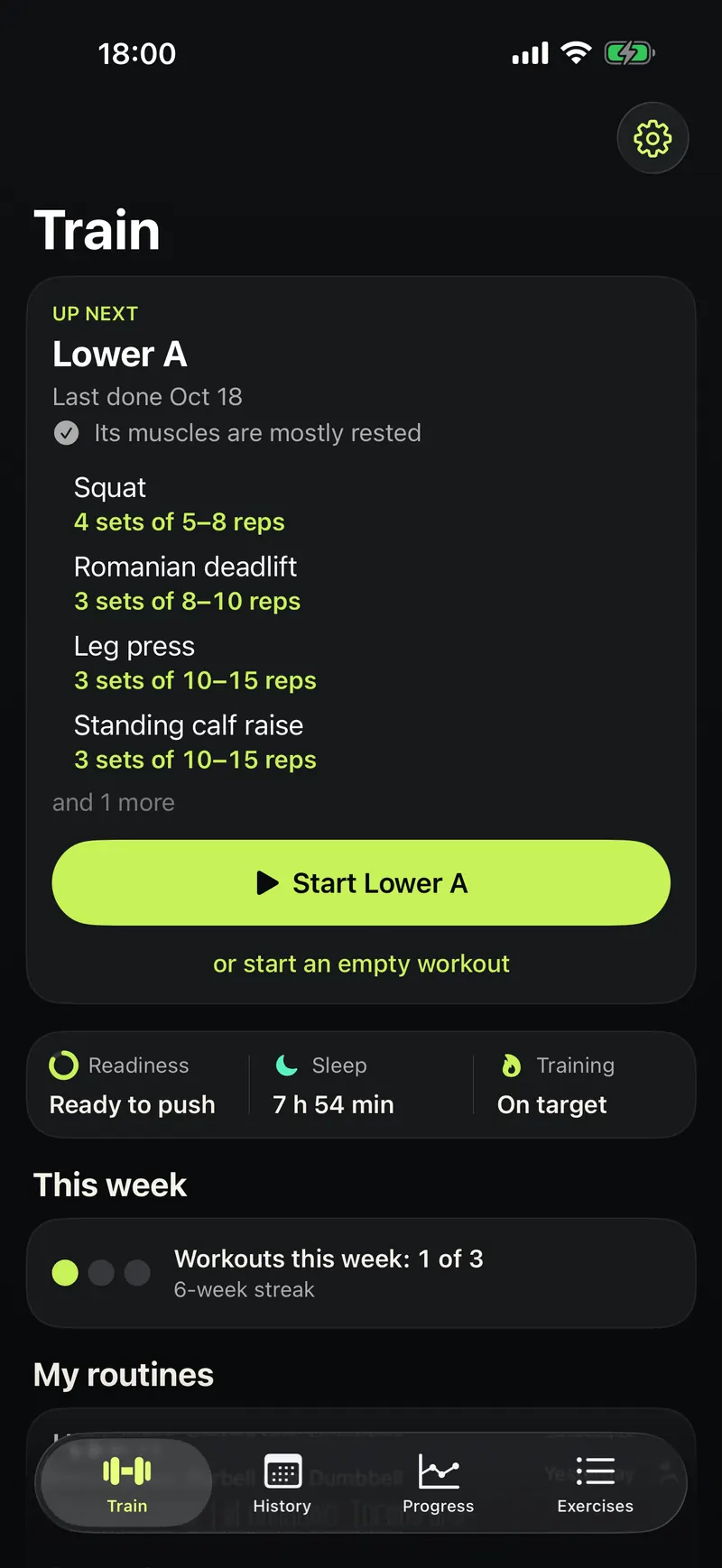
Open the Train tab. Readiness, Sleep and Training sit under your next workout.
-
Tap a word to see the numbers behind it.
-
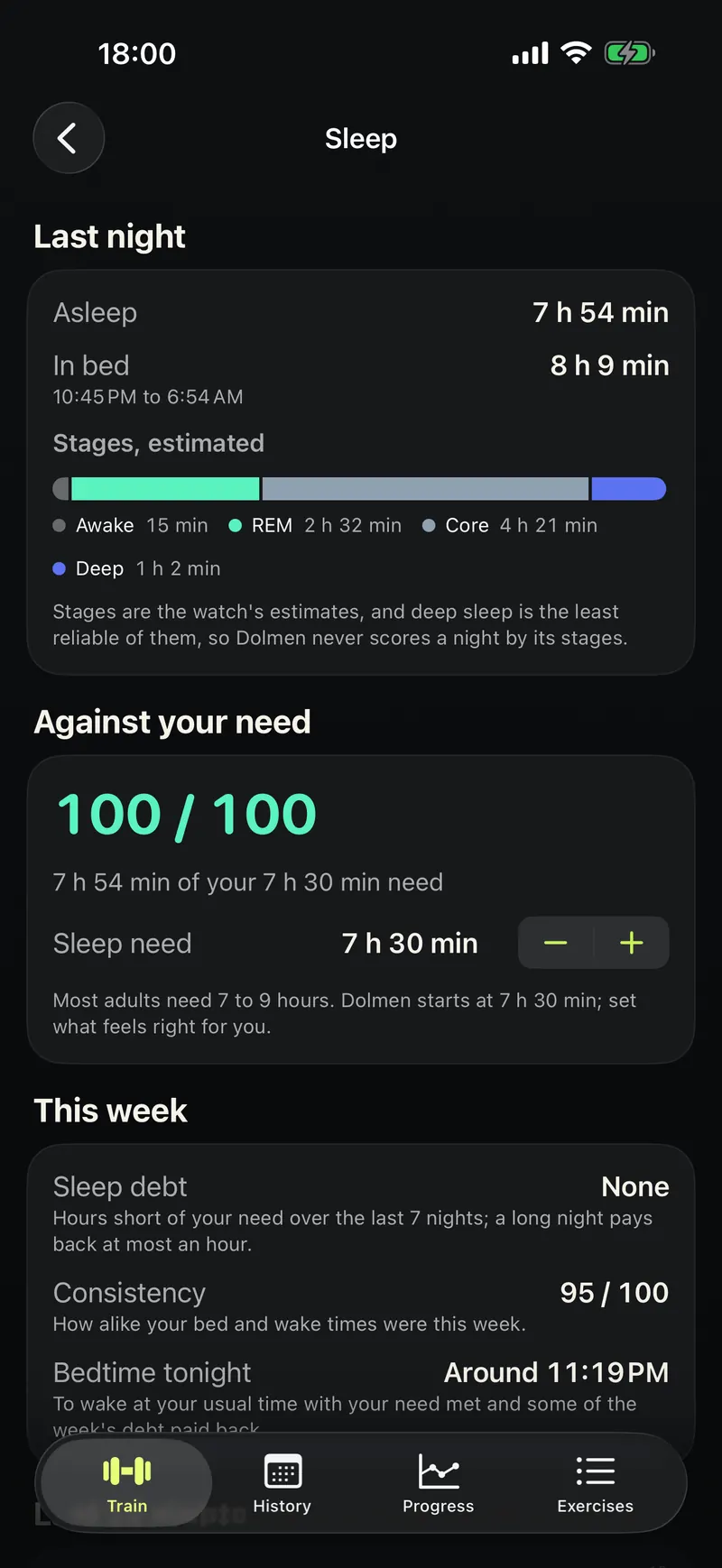
The Sleep page shows last night, your sleep need and this week's sleep debt.
Good to know
- Readiness compares you with your own past four weeks, not with other people.
- It is a training cue, not a health measurement.
- It needs Apple Health, or WHOOP, and a device that records sleep and heart data, such as Apple Watch.