 Dolmen
Where your data lives, and how to export it
Your workouts stay on your iPhone and Apple Watch, and we never receive them. Export them as a CSV file at any time.
Steps
-
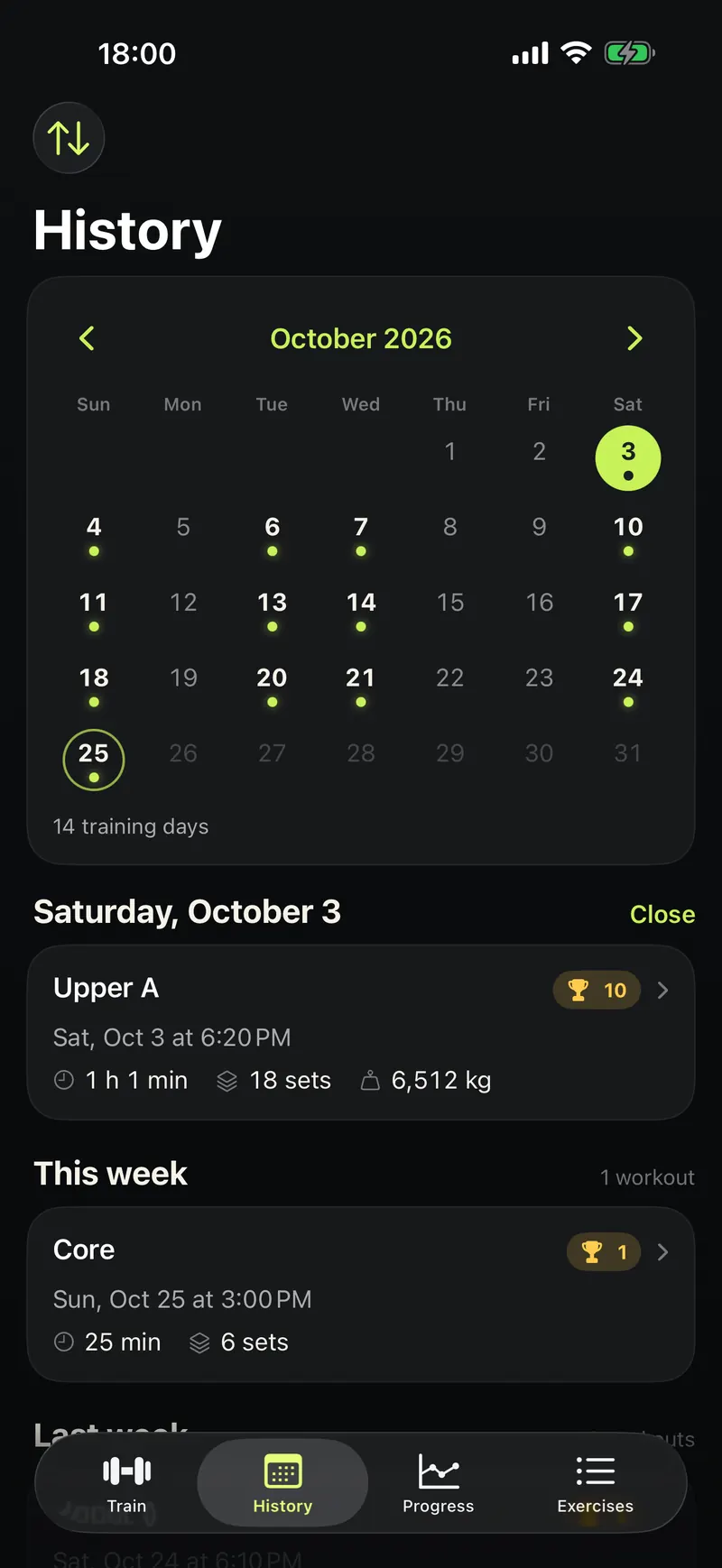
Tap History at the bottom.
-
Tap the menu button at the top left.
-
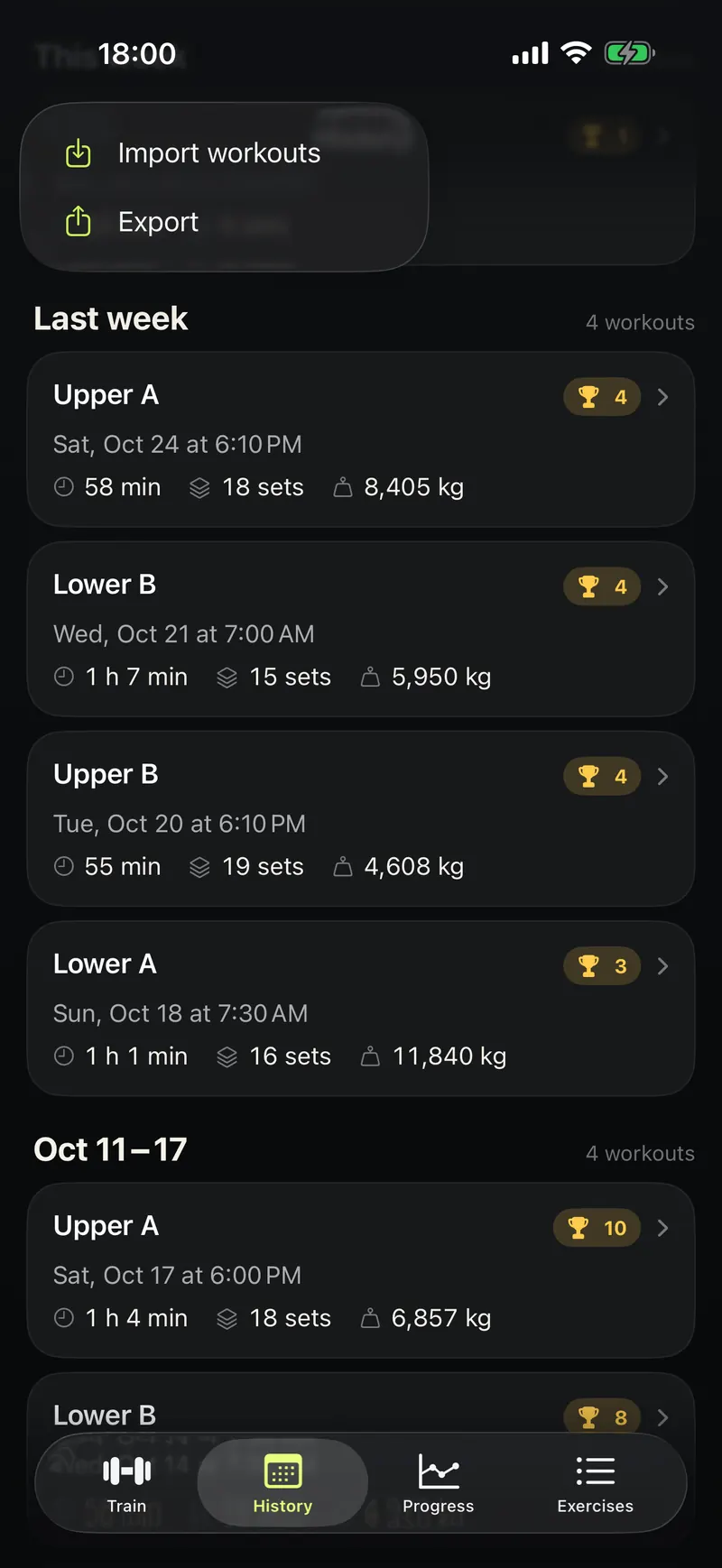
Tap Export and choose where to send the file.
Good to know
- No account, no ads, no analytics.
- Apple Health is optional. Health data stays on your devices.
- Strava and WHOOP are contacted only if you connect them.
- Deleting the app deletes what it stored on your devices.