 Dolmen
Bring your history from Strong or Hevy
Export a CSV file from Strong or Hevy, then in Dolmen open History, tap the menu and choose Import workouts.
Steps
-
In Strong or Hevy, export your workouts as a CSV file and save it to Files.
-
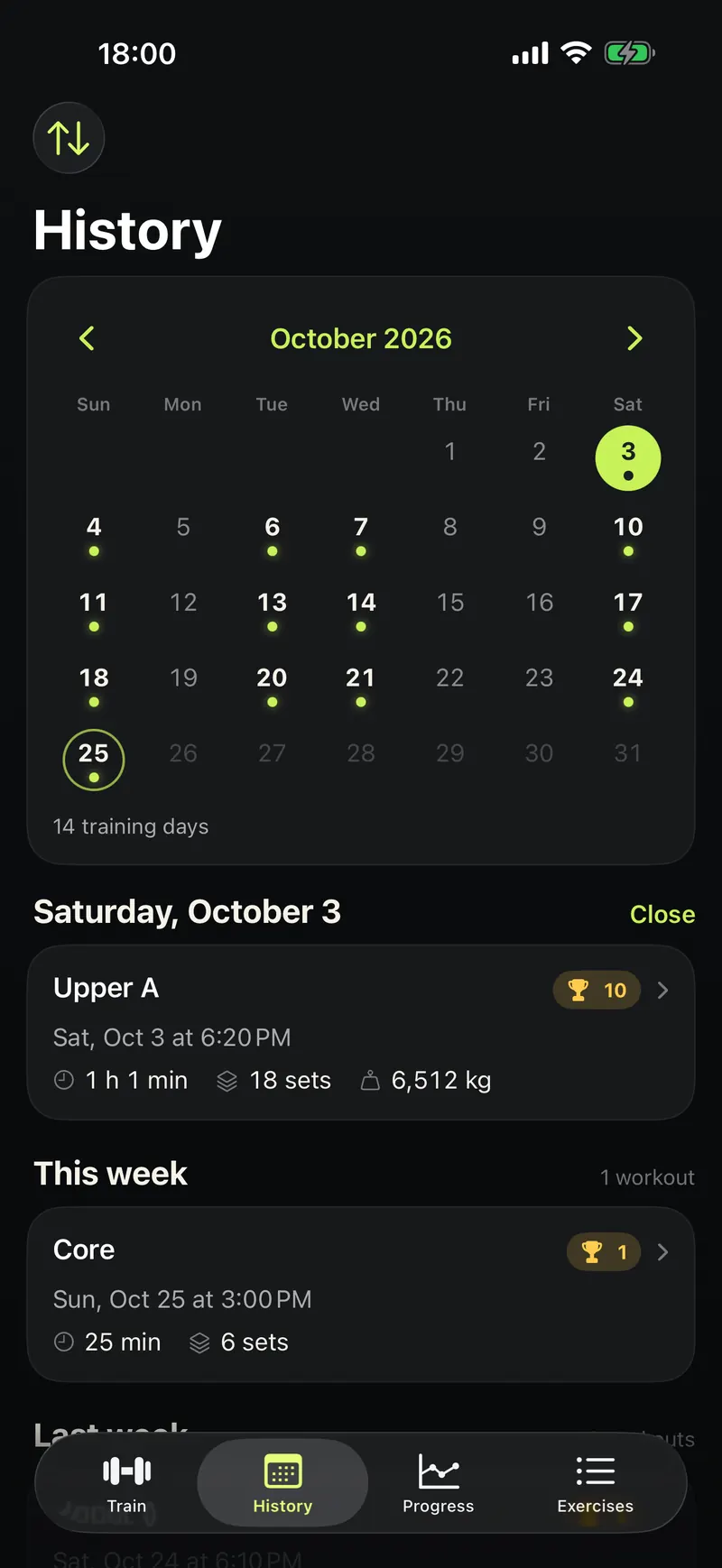
In Dolmen, tap History at the bottom.
-
Tap the menu button at the top left.
-
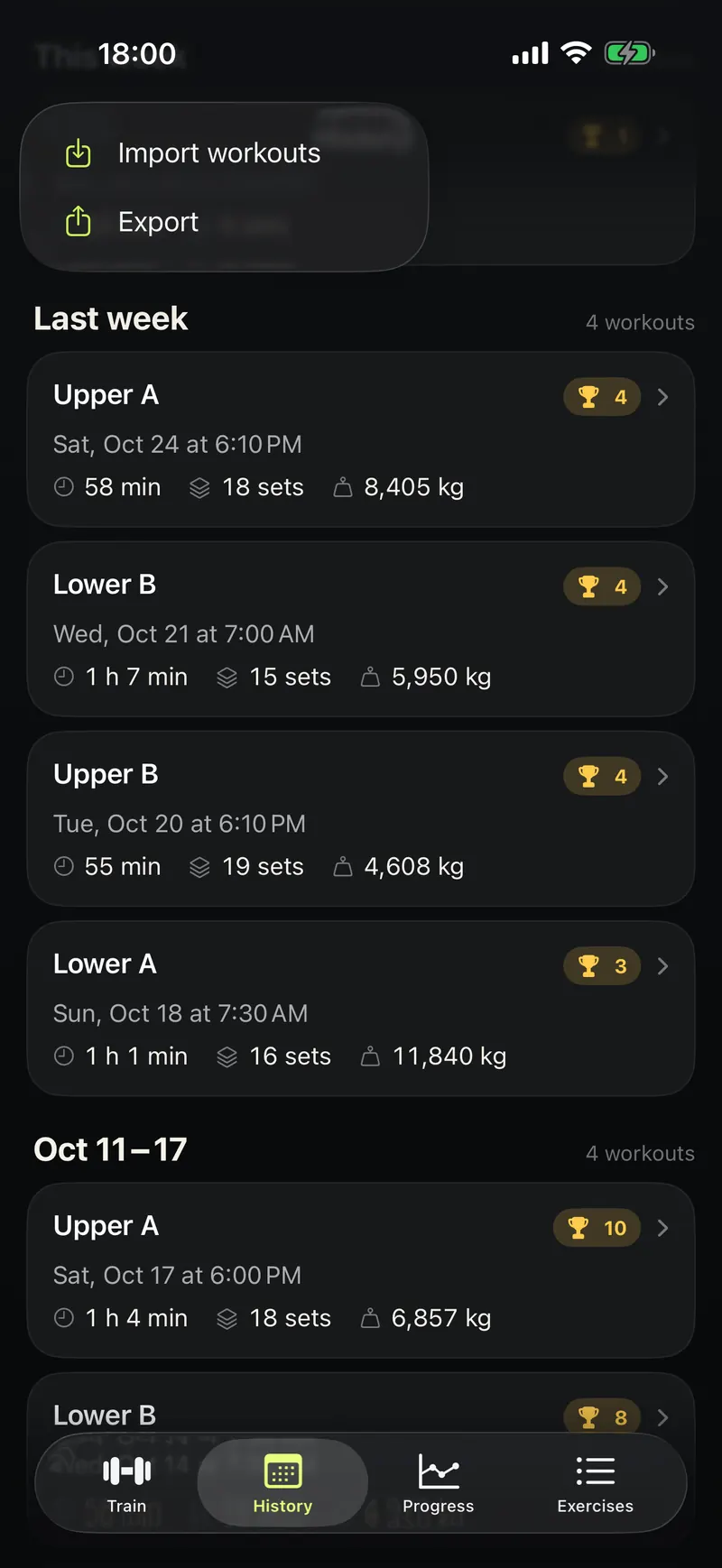
Tap Import workouts and pick the file.
-
Check the preview. Strong's file does not say kilograms or pounds, so pick the unit. Then confirm.
Good to know
- Workouts you already have are skipped, so importing twice is safe.
- Importing is free.
- You can undo an import later in Settings.