 Dolmen
Use the rest timer
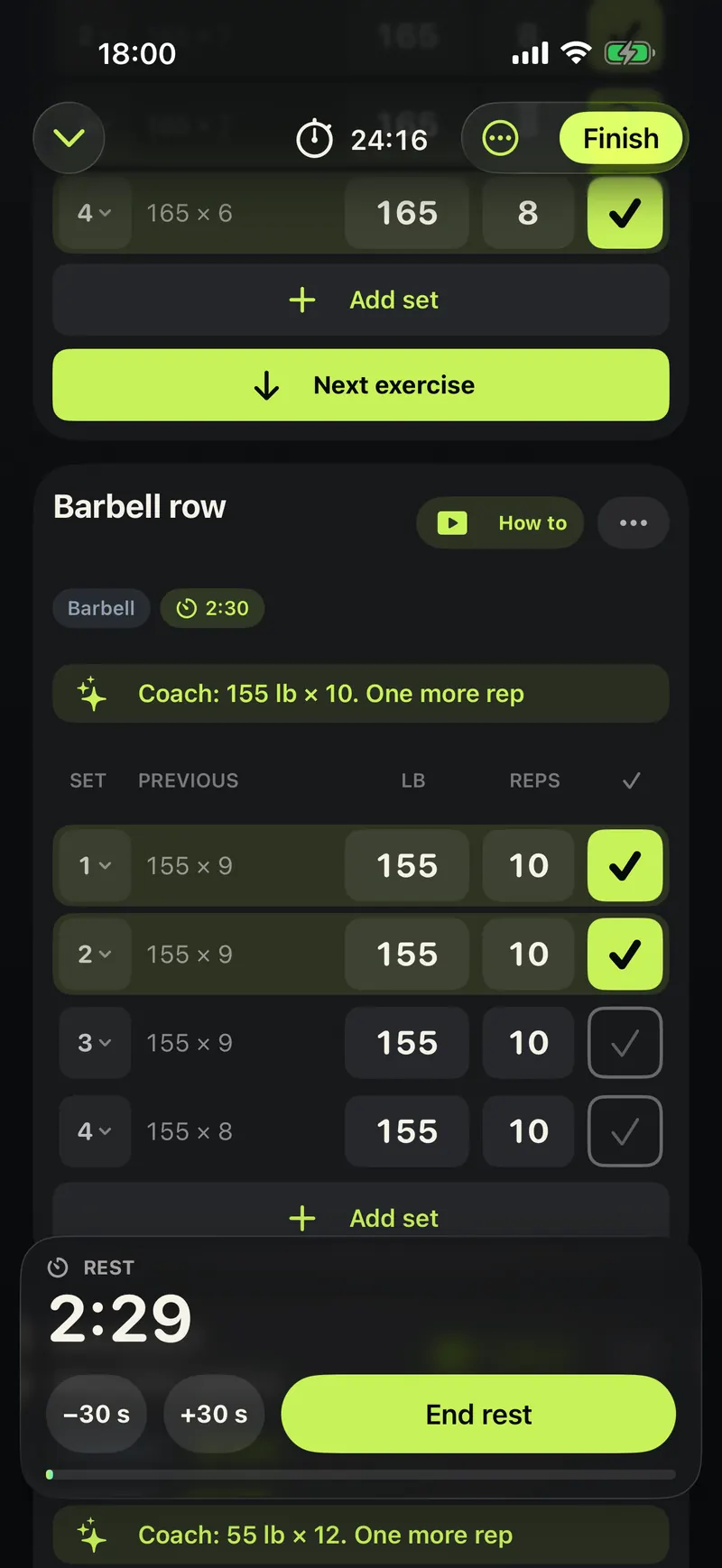
Ticking a set starts the rest. Add 30 seconds, take 30 off, or end it early.
Steps
-
Tick a set. The rest timer starts at the bottom of the screen.
-
Tap +30 s for more rest, or -30 s for less.
-
Tap End rest when you are ready for the next set.
-
Phone locked? The timer also shows on the Lock Screen and in the Dynamic Island, and you can tick the next set from there.
Good to know
- When the rest is up, a notification names the next set.
- Each exercise keeps its own rest time, shown next to its name.