 Dolmen
Change the weight or reps of a set
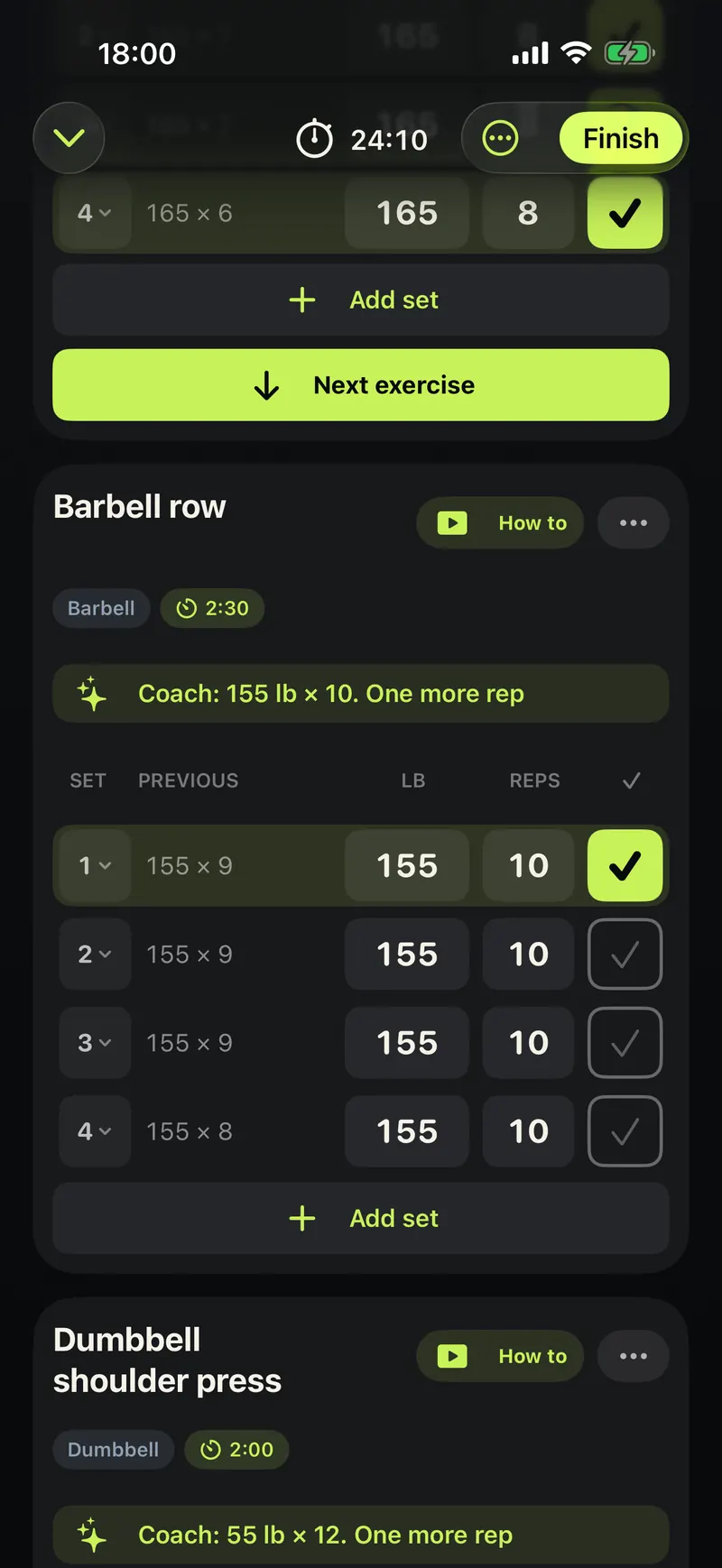
Tap the weight or the reps on a set, type the new number, then tick the set.
Steps
-
In a workout, find the set you are about to do.
-
Tap the weight and type what you will lift.
-
Tap the reps and type how many you did.
-
Tap the tick to mark the set done.
-
Want one more set? Tap Add set under the last one.
Good to know
- Deleted a set or typed the wrong numbers? Undo puts them back.
- Switch between kilograms and pounds in Settings. Weights you logged keep their value.